BROWSER-BASED STORYBOARD EDITOR
Stage your shots.
Build a scene with people, props and custom assets. Pose your characters, position the camera, and export your storyboard.
No drawing skills. No install. No account needed.
01 / CHARACTERS
Create your cast.
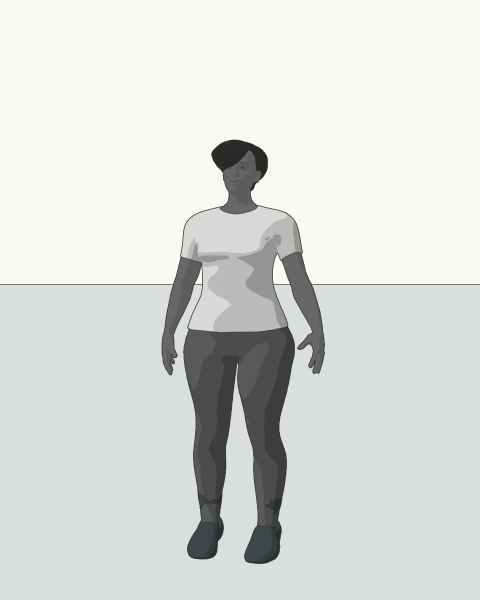
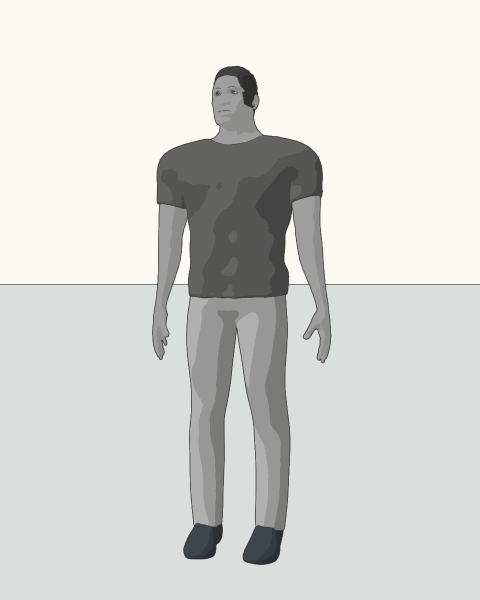
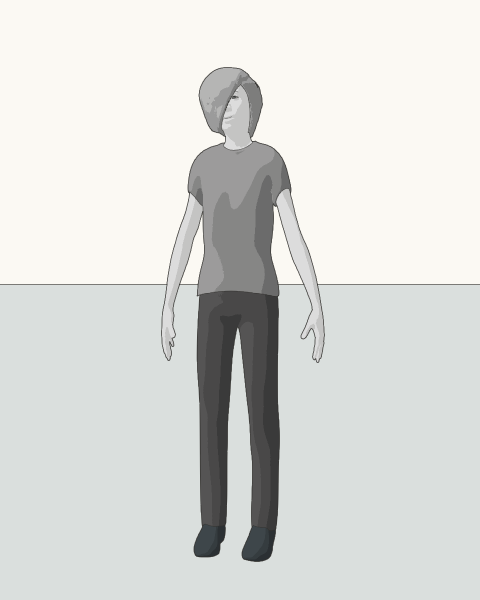
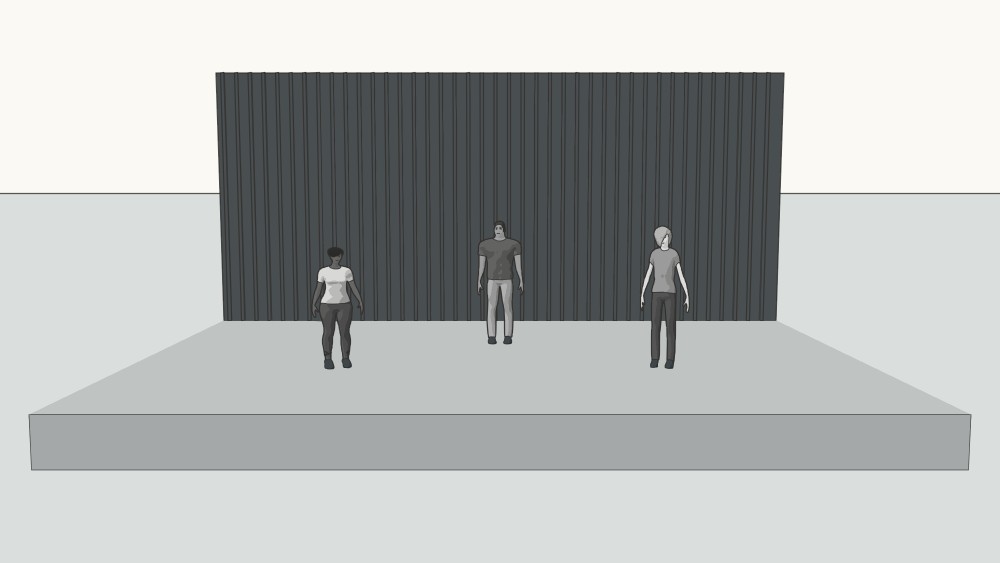
Meet Maya, Ellis and Theo: three characters made with the same controls you use in the editor. Change body proportions, hair, grayscale skin and clothing tones, expressions and pose. Save each character by name and bring them back in another shot.
02 / PROPS AND LOCATIONS
Props and locations.
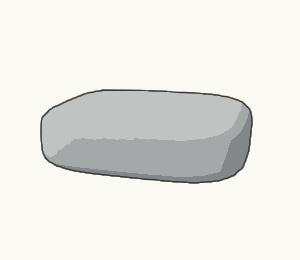
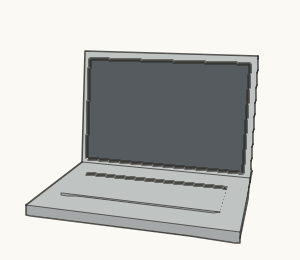
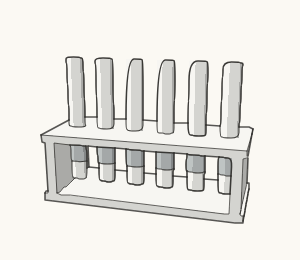
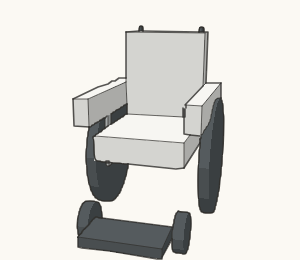
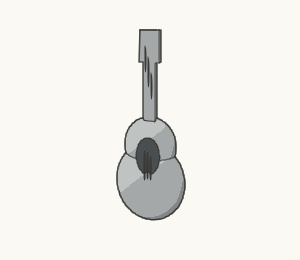
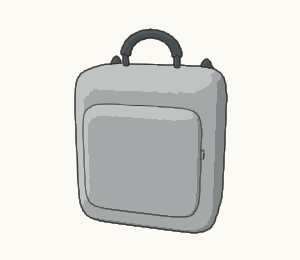
Choose from rooms, buildings, performance stages, vehicles, furniture and everyday props. Adjust their dimensions and placement, or make your own assets with the component builder.
233 model types / categorized and searchable
Simple models for blocking a scene. Scale and customize them, or build a prop from your own components.
See what you can make →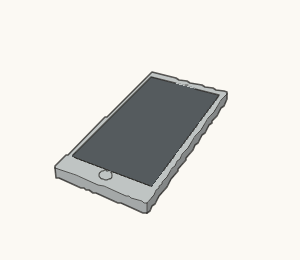


03 / CAMERA ANGLES
One scene.
Two angles.
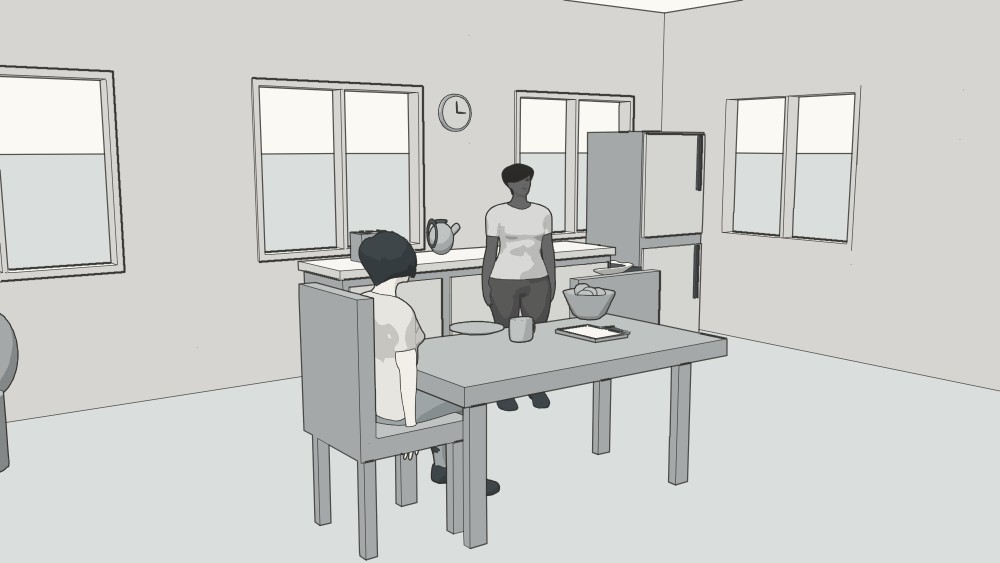
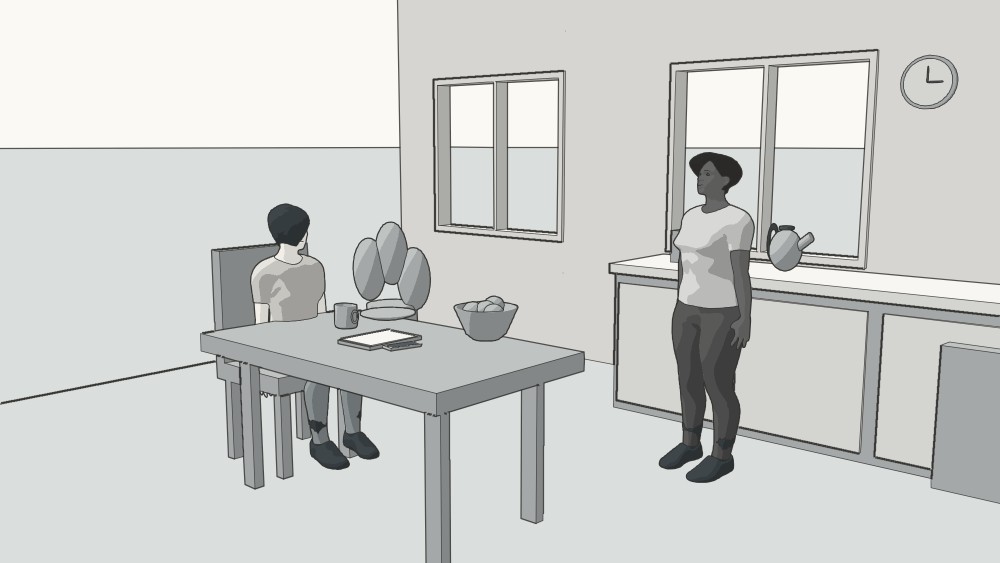
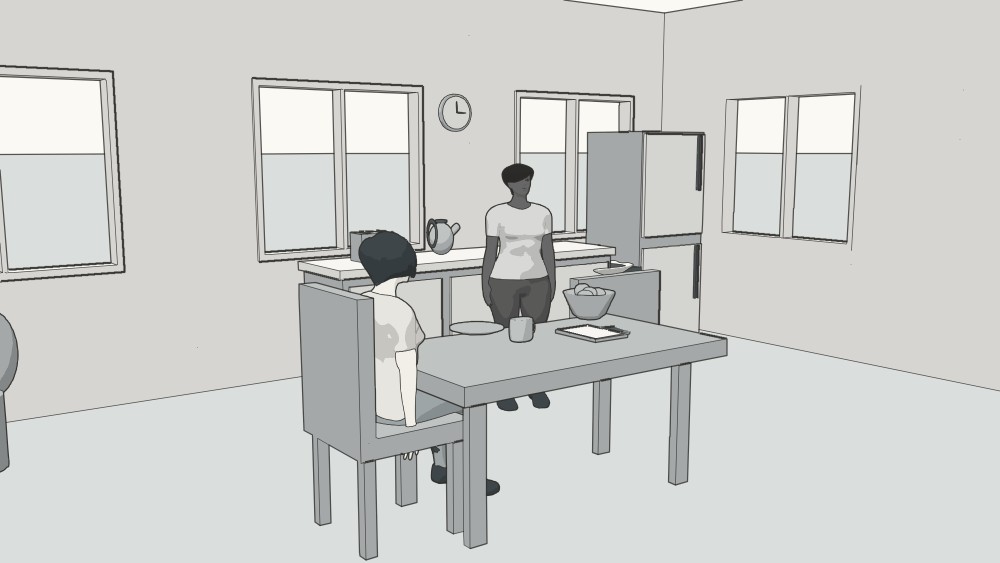
The kitchen, cast and props stay in place in both images below. Only the camera moves. Try a different angle or lens, then use Scene view to look around without changing your saved shot.
Reuse your setup.
Duplicate a shot to keep the setup, then change its action or framing.
Export your work.
Export individual PNG shots, a storyboard sheet, or your editable project.
Choose a drawing style.
Use clean illustration or pencil rendering for your frames.
EXAMPLE FRAMES
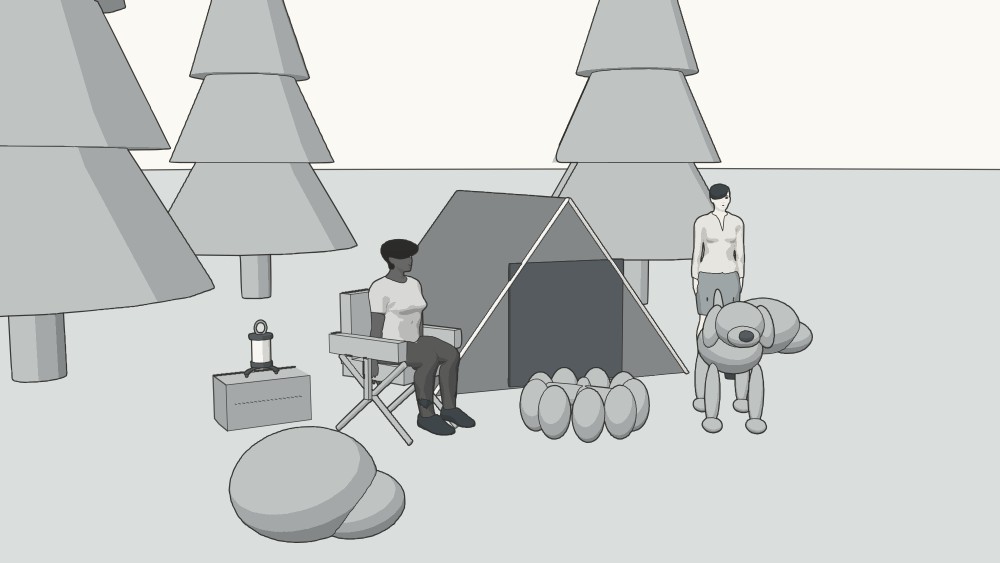
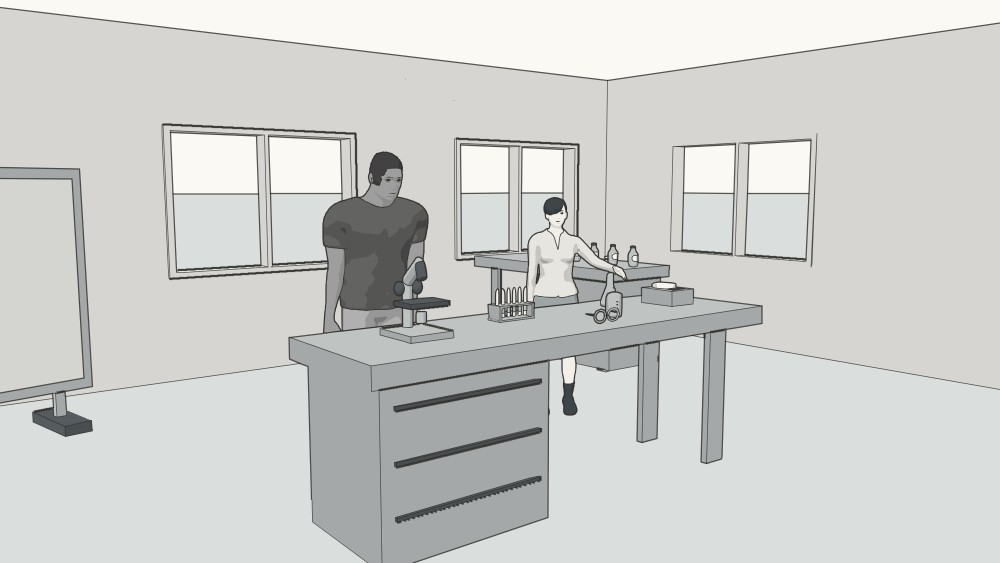
Frames from the editor.
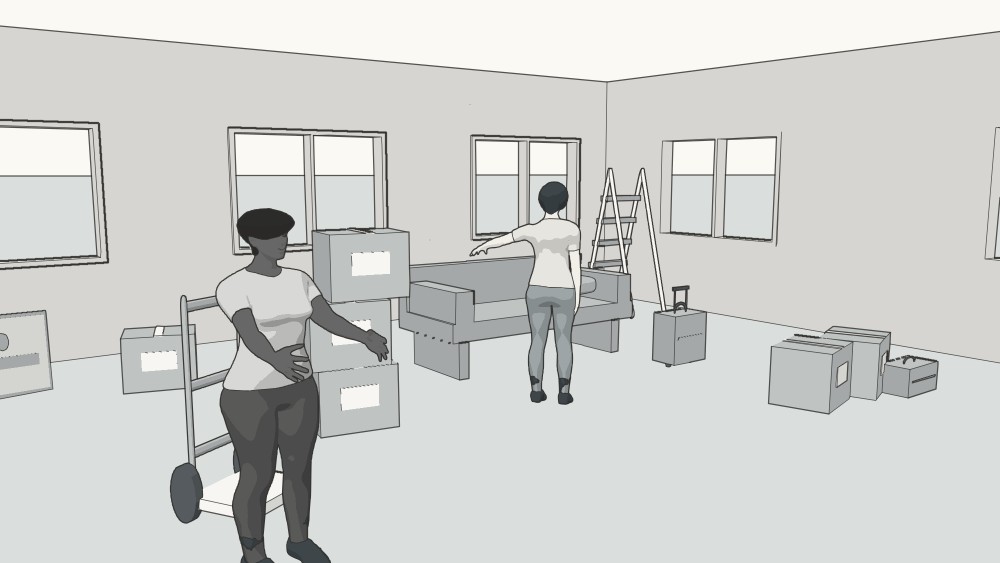
Use the arrows or swipe to browse different scenes.
PRACTICAL NOTES
A few practical things.
What do I need to use sceneshape?
Sceneshape runs directly in your browser, with no download or installation required. It is designed for larger screens, where there is more room to compose a scene and use the controls. It can also run on tablets and smartphones, though the available space and performance will vary by device.
Where does my work save?
The editor saves your project in this browser on this device. Download the editable project file for a backup or to move between devices. Cloud accounts are not available yet.
What can I do in the demo?
Move the existing people and props, try poses, and change the camera. The demo keeps its original objects and scenes; adding, deleting and duplicating are available in your own storyboard. Reloading resets the demo. Your own storyboard saves separately.
Can I make something outside the catalog?
The component builder lets you combine boxes, spheres and cylinders into a custom model, including poseable parts. You can also resize the supplied models. Arbitrary 3D model file import is not currently supported.
Can I use the supplied models in a commercial project?
The supplied human assets are CC0; the other models are original procedural geometry made for this app. See the model sources and license review for details.
GET STARTED